Flight coaching / Toronto + GTA
FPV Simulator Training in Toronto: From Liftoff to Field Practice
A simulator gives you room to repeat manual FPV inputs without crashing a real aircraft. The useful question is not how many hours you have logged, but what you can repeat with control—and what still changes when you leave the computer. Here is a practical way to discuss simulator-to-field coaching in Toronto.
Separate manual FPV from camera-drone flying
If you already fly a camera drone, describe the modes and movements you know rather than simply calling yourself experienced. Manual FPV asks you to coordinate inputs differently. A good starting point is an honest description of what you can control and which part feels unpredictable.
Tim’s FPV drone training in Toronto is a focused learning path, separate from booking a commercial fly-through. You can ask about simulator coaching before committing to equipment or suggesting a real-world route.
Check the controller before buying software
Share your controller model, computer setup and any simulator you already use. A controller included with a camera drone is not automatically suitable for manual FPV software. Confirm compatibility with the intended simulator and its current documentation before purchasing equipment.
Liftoff is one PC simulator Tim can discuss for manual practice. The coaching quote should clarify the software, controller and computer arrangements; it should not leave you guessing whether a software licence or loan controller is included. If you have nothing yet, say so.
Use small exercises instead of a difficult course
Pick one control problem per exercise. Racing through a complicated environment can make it harder to identify whether a turn went wrong because of speed, orientation or a rushed correction. A quieter practice sequence gives you something specific to review.
Possible topics to agree with Tim include the following. These are learning goals, not a timed progression or a readiness test.
- Repeat a deliberate start and a controlled reset.
- Follow a simple line while making smaller corrections.
- Work on coordinated turns in both directions.
- Notice when a correction becomes a chain of overcorrections.
- Review one movement and decide what to repeat next.
A simulator does not reproduce the whole operation
Real flying adds an aircraft, batteries, surroundings, people, equipment checks and decisions about the site. Simulator performance does not provide airspace permission or demonstrate readiness for every route. The move to outdoor practice should be considered with the learner and operating plan in mind.
Tim can discuss an appropriate field session after reviewing your experience, equipment, preferred area and goals. Do not treat a city-centre location, indoor venue or close-proximity route as automatically included. Check Transport Canada’s pilot requirements for the operation involved.
Ask for a progression that fits your starting point
For a useful inquiry, send your simulator experience, controller model, aircraft if you own one, and one movement you want to improve. A short description such as ‘my turns become large corrections’ is more useful than promising to fly a complex route immediately.
Use the FPV coaching inquiry form to discuss a single focus or a Personal Coaching Plan. You can change the learning focus in the form. Format, session count, equipment, location and price are confirmed in the quote. Coaching is not an official exam, flight review or guarantee of commercial work.
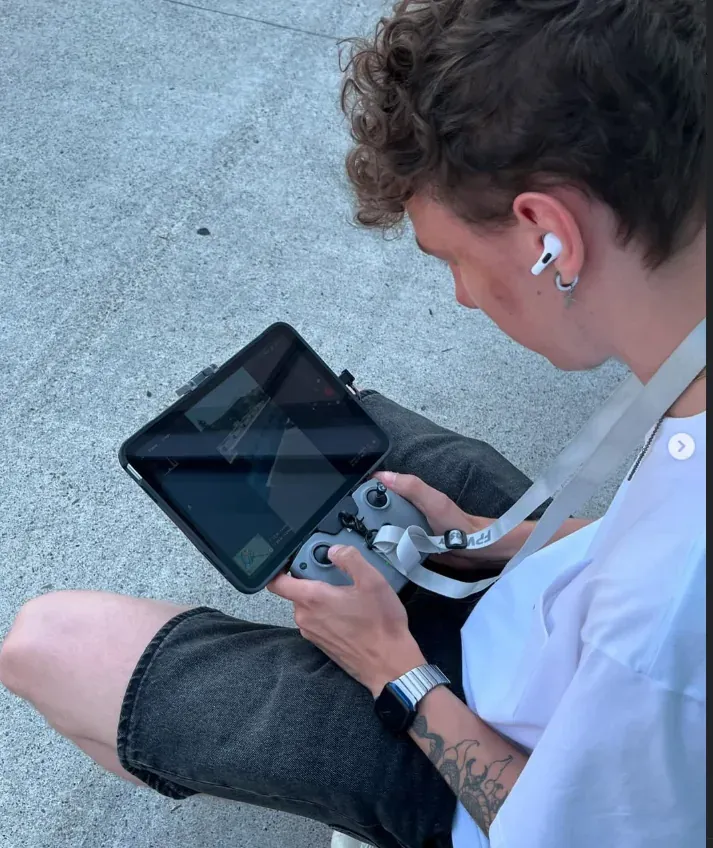
Tim is the pilot behind Tim On The Wing, serving Toronto and the GTA. Contact him directly to discuss your flying goals or next shoot.