Shoot preparation / Toronto + GTA
How to Prepare Your Toronto Business for a Drone Video Shoot
Prepare a short brief, a precise location, access arrangements and a priority list before your drone shoot. Those four things help Tim plan useful footage instead of spending the filming window finding out what matters. For Toronto and GTA businesses, also flag shared property, customer traffic and fixed opening hours early.
Start with the job the video needs to do
Decide who should watch and what they should do next. A film introducing a new location has a different job from a property listing, an event recap or an agency campaign. Write that purpose in one or two sentences before choosing camera moves.
Then name the destination: your website, YouTube, Instagram, a listing portal or a paid campaign. If several people will approve the work, choose one contact to consolidate feedback. That makes the agreed revision more useful than a chain of conflicting requests.
If a project on this site has the atmosphere you want, send its link and explain which aspect interests you. Project credits matter: the Optical One campaign story identifies Tim’s storefront movement, drone operation and live camera control in collaboration with Dropkick Agency. A collaborative release is not a promise that one person supplied every part of production.
Send the exact location and arrange access
Provide the address or nearest intersection rather than just “downtown Toronto”. Include the entrance to use, the on-site contact, access hours and any loading, parking or equipment restrictions. In a shared building, clarify who can approve the exterior, lobby, roof or neighbouring areas you want to show.
Permission to enter a property and suitability for a drone operation are separate questions. Do not assume that an available courtyard or rooftop is automatically usable. Tim reviews the operating plan against the location and conditions. For the outdoor framework, consult Transport Canada’s where-to-fly guidance.
The optional service-area map beside the quote form can help you send a point, but opening it is not required. A typed location is fine, and neither method confirms flight approval.
Separate must-have shots from nice-to-haves
List three to five priorities first: the frontage, a defining interior, a product detail, the relationship to the neighbourhood or an important staff moment. Then add optional ideas. A short hierarchy helps protect the main objective if the site, light or weather requires a different plan.
For FPV, think in terms of a connected journey as well as individual shots. Share a floor plan or current phone photos so doorways, glass and obstacles can be discussed before arrival. The FPV planning guide explains why the route needs its own review.
Tell Tim about anything that must stay out of frame: customer information, private work areas, security equipment, neighbouring properties or unfinished displays. Addressing this before capture is better than relying on editing to hide it later.
Coordinate staff and prepare the space
Choose a filming window that suits the business and the operating plan. An empty space may communicate the layout clearly; a staffed scene may show the experience better. Either option needs coordination rather than asking people to improvise around a flying camera.
Have one decision-maker on site, brief the relevant staff and arrange any permissions or releases assigned to you in the quote. Keep planned routes clear and tell Tim if doors, fixtures or furniture have changed since the location review.
- Clean visible surfaces and prepare signage, displays and featured products.
- Arrange lighting, access keys and an available staff contact.
- Flag customer traffic, deliveries and other activity that may affect filming.
- Confirm any restricted areas and people who must not appear.
Supply brand files and delivery requirements
Send usable logo files, correct business spelling, any approved wording and relevant brand guidance. Tell Tim whether an agency has specifications for resolution, aspect ratio, file type or audio. Resolve music and usage requirements before the edit is underway rather than adding them at final export.
Be specific about files: photos, raw clips, edited video and vertical reels are different deliverables. A finished film does not automatically include every source clip. Scope, raw footage availability and usage should match the written quote.
The package guide explains the current Starter and Signature deliverables. Delivery ranges depend on completing the shoot and receiving required client assets and approvals, as described in the booking terms.
Plan for conditions, then confirm the brief
Raise fixed launch dates and inflexible access windows at the inquiry stage. Weather and site conditions can change the plan for outdoor footage. A practical backup may involve a different time, a revised shot list or rescheduling, depending on the agreed scope and terms.
Before booking, confirm location, timing, deliverables, intended usage, price, revision allowance and who supplies each approval. Do not treat a weather contingency as an unlimited production or editing allowance; project-specific arrangements belong in the quote.
Ready to start? Share the address, preferred date, budget range and the content you need through the quote form. You will speak directly with Tim about a plan for your business, not a generic checklist detached from the space.
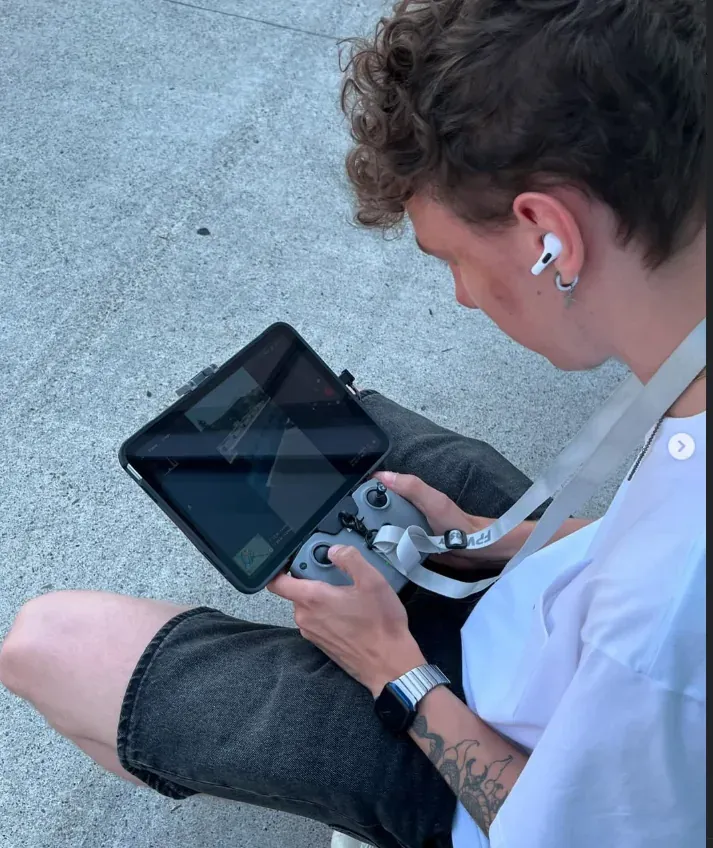
Tim is the pilot behind Tim On The Wing, serving Toronto and the GTA. Contact him directly to discuss your flying goals or next shoot.